
Resending an activation email
A student or teacher may occasionally miss their activation email for various reasons. To resend the activation email, please follow these steps:
- Navigate to the ‘Users’ tab.
- Any users who have not yet activated their account will appear greyed out in the list.

- Click on the relevant user’s profile to open their account details.
- Select ‘Send a registration link’ to resend the activation email.
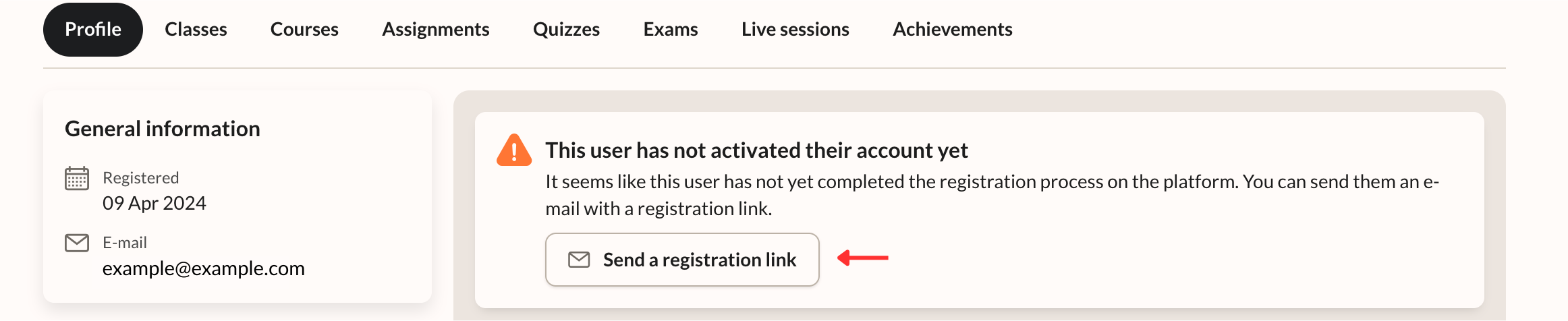
The user will then receive a new email containing instructions to activate their account.